Incidents and maintenance
Notices with an impact level and the familiar flow from investigating to resolved. Every status change appends an update.
Your domain, your logo, no vendor branding.
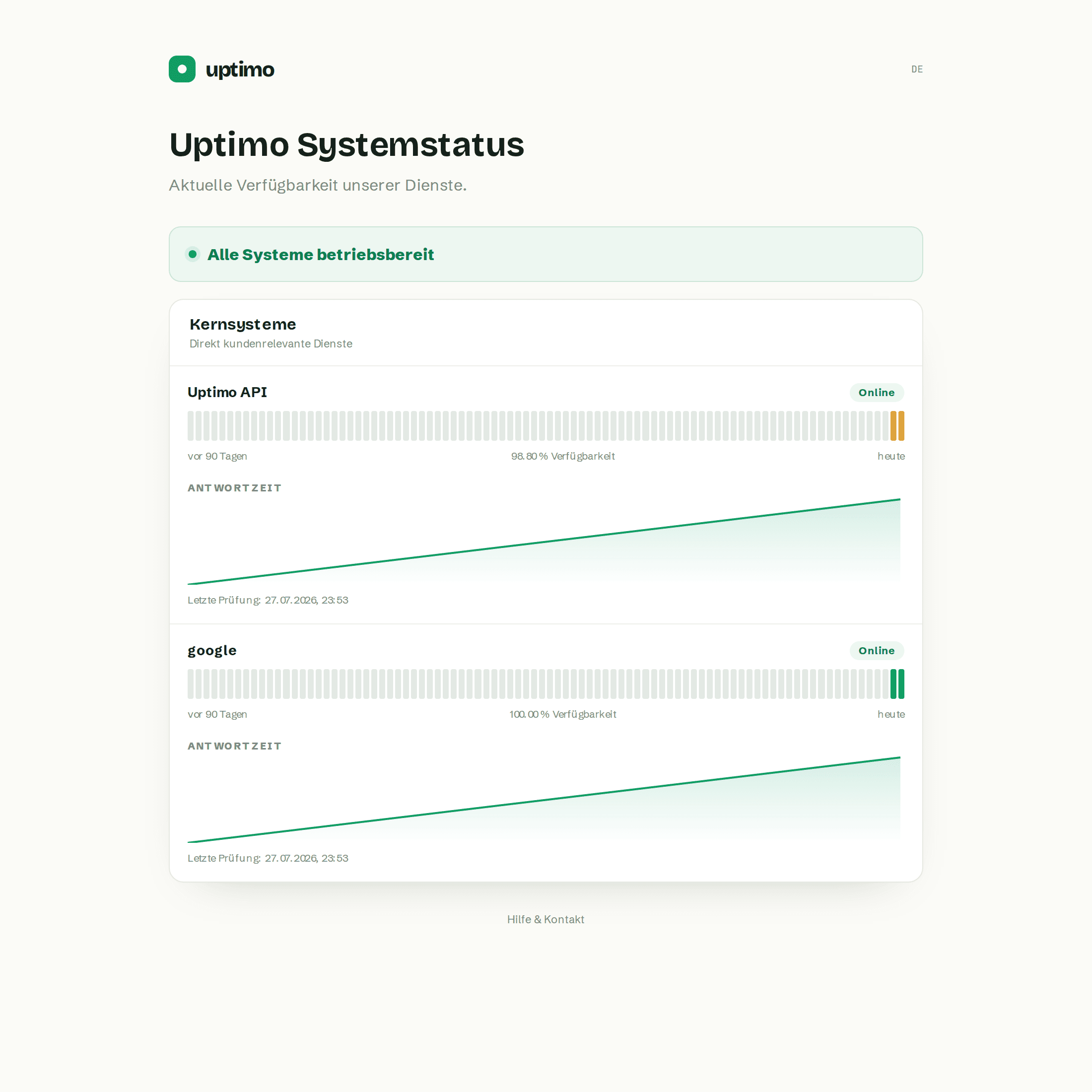
A status page takes load off support when it looks like your product. Your domain, an uploaded logo, your brand colour — and the “powered by” line can be switched off, at no extra charge.
What matters here
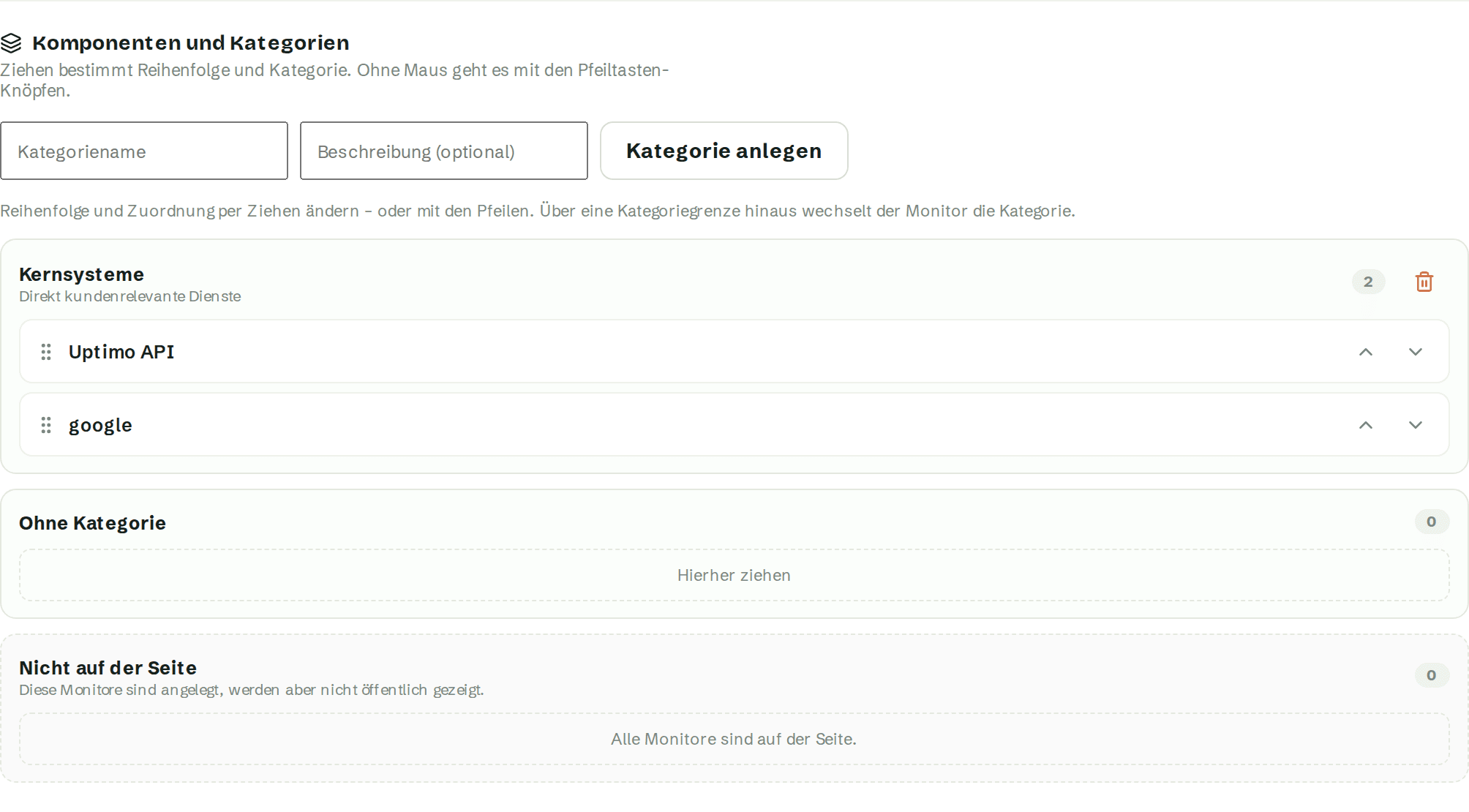
Drag components into groups — by product, region or criticality. Order and assignment are one gesture.
Notices with an impact level and the familiar flow from investigating to resolved. Every status change appends an update.
One bar per day over 30, 60 or 90 days. Days without measurements stay grey rather than green — only what was measured is claimed.
Show latency if you want it. Leave it off if availability is the whole story.
FAQ
Yes. You can use a custom domain, uploaded logo and your brand colour.
Grey. Uptimo does not count missing measurements as availability.
Yes. Move controls are available alongside drag and drop.